Open Interface FSK configuration
- Tumbler switch DTR/RTS on back side switch to ON
- Download EXTFSK and copy to you MMTTY directory
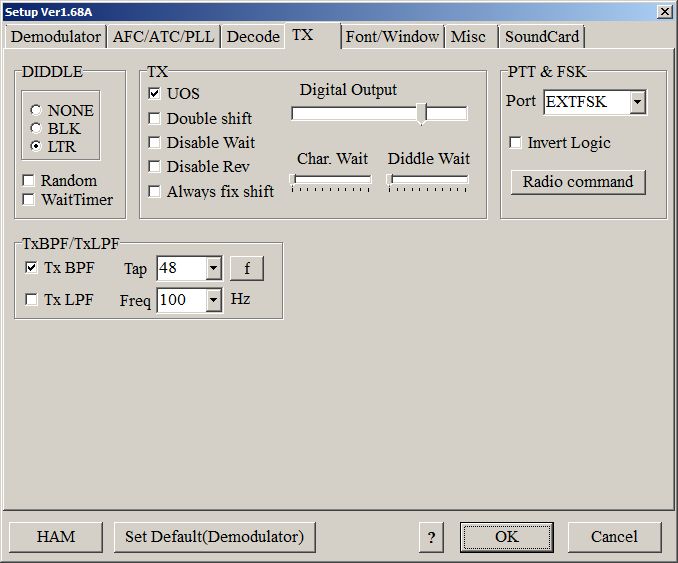
- in MMTTY setup select PTT&FSK Port as EXTFSK
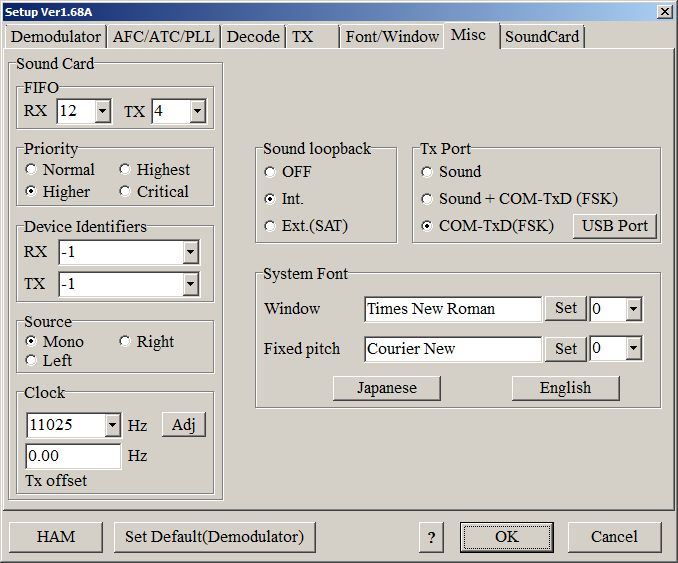
- Misc tab settings TX Port select COM-TxD(FSK)
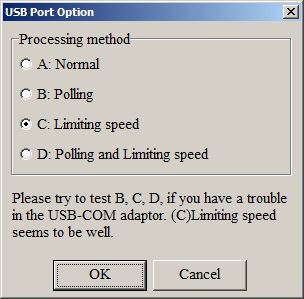
- and USB port options select C
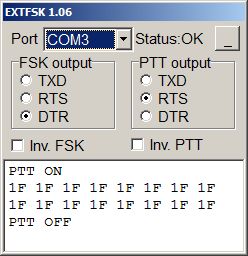
- After press OK in setup open automaticaly EXTFSK window. Select FSK to DTR and PTT to RTS